

In a world where apps are as essential as coffee, it can be a real buzzkill when an iPhone refuses to recognize a trusted developer. You know the drill: you find that perfect app, only to be greeted by a big, red warning saying “Untrusted Developer.” It feels like your phone is playing the role of an overprotective parent, but don’t worry—there’s a way to break free from those digital handcuffs. That moment of frustration could easily inspire you to create your own meme about the endless battle with the dreaded “Untrusted Developer” message.
Understanding Untrusted Developers
Encountering the “Untrusted Developer” warning on an iPhone indicates that an app hasn’t passed Apple’s verification process. This situation arises when users attempt to install apps from outside the App Store, typically from developers not recognized by Apple.
What Is an Untrusted Developer?
An untrusted developer refers to a creator of an app whose identity Apple cannot verify. Developers not enrolled in Apple’s Developer Program may fall into this category. Apps from these developers are considered higher-risk because users lack full assurance about their security and interoperability. Users should ensure that they understand the developer’s credentials before proceeding with app installation.
Risks Involved with Untrusted Apps
Installing apps from untrusted developers poses several risks. Malicious software can compromise device security. Untrusted apps might access personal data or function improperly, leading to system malfunctions. Users often experience a lack of regular updates, exposing devices to potential vulnerabilities. Information privacy may also be at stake, as unverified apps can collect sensitive data without user consent. Users must assess these risks and consider whether the benefits of the app outweigh potential issues.
Steps to Allow Untrusted Developers on iPhone
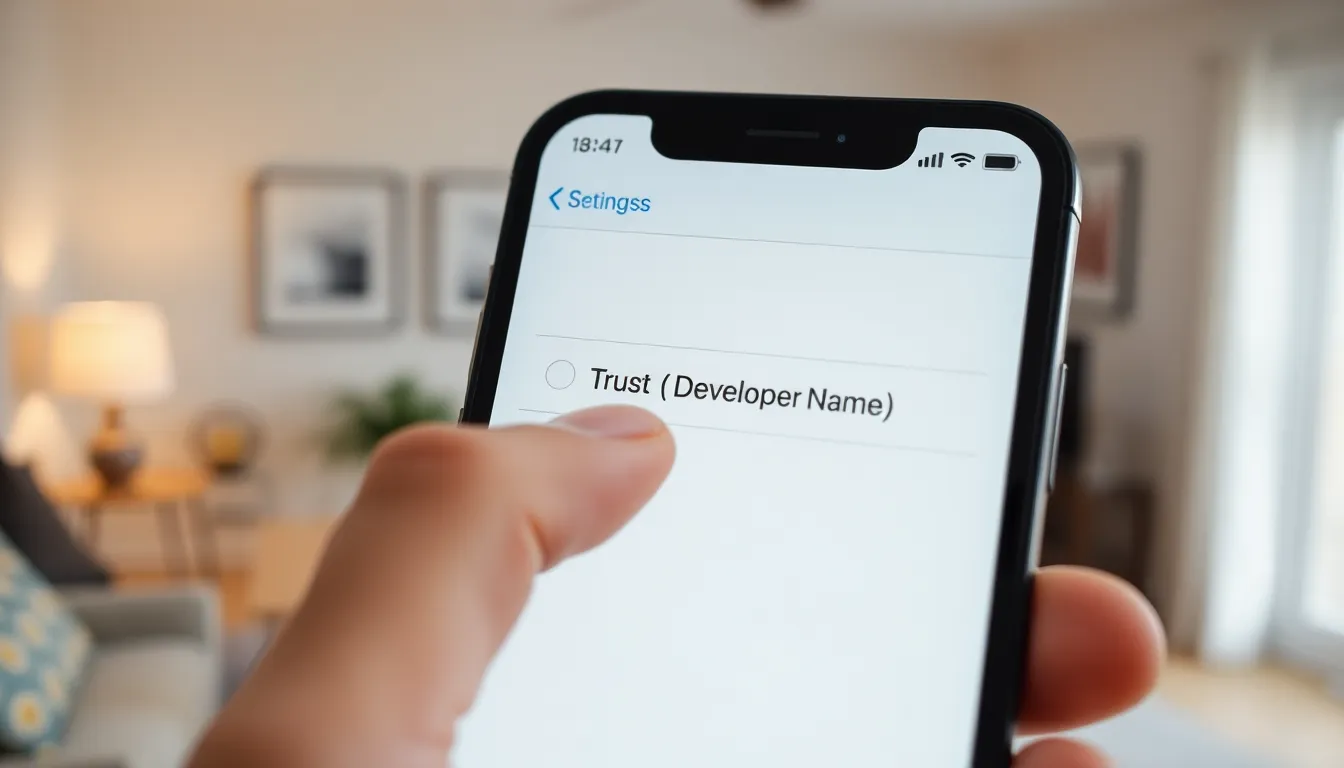
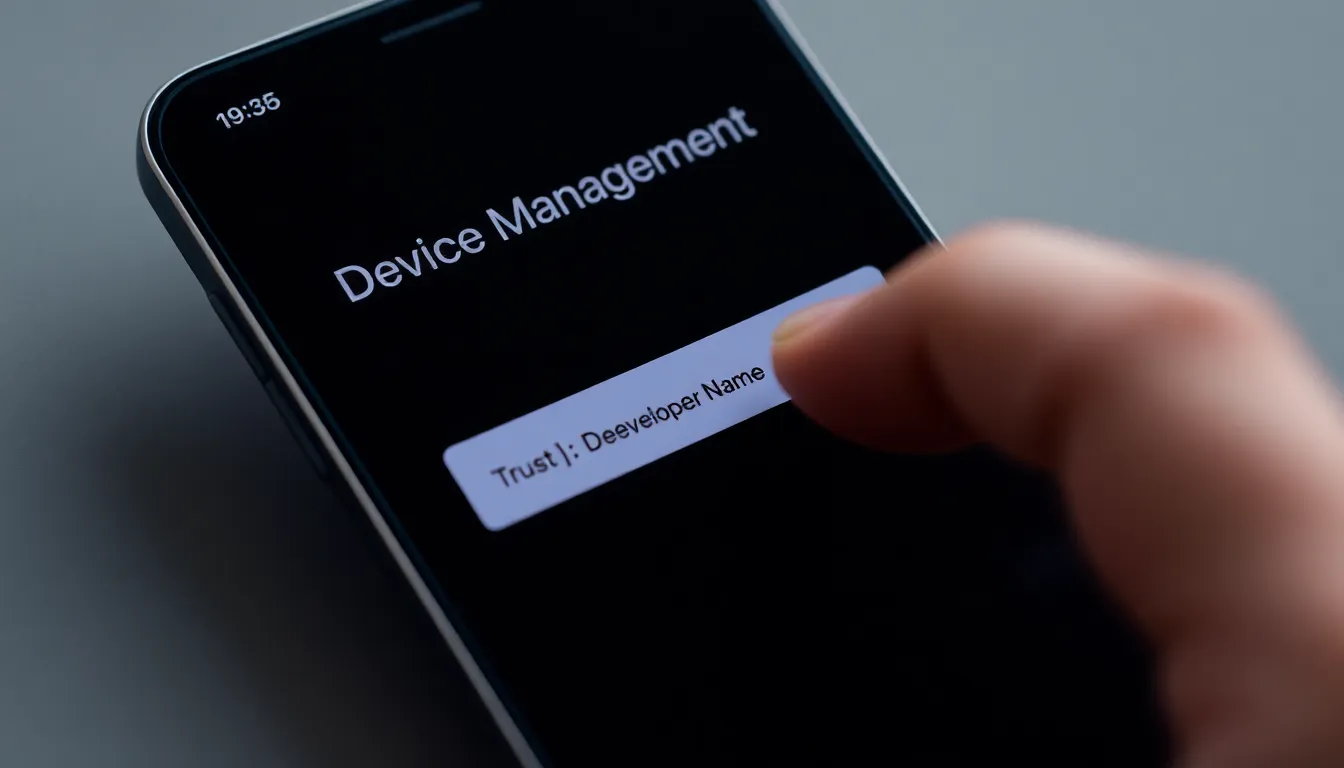
Users facing the “Untrusted Developer” warning can follow these straightforward steps to permit installation from untrusted developers. The process involves accessing specific device settings and trusting the developer profile.
Accessing Device Settings
Accessing the device settings constitutes the first step. Begin by tapping on the “Settings” app, typically found on the home screen. Once in the settings menu, scroll down and select “General.” In this section, find the “Device Management” or “Profiles & Device Management” option. Tapping this will display any available developer profiles. This step is crucial for managing app installations from unverified sources.
Trusting the Developer Profile
Trusting the developer profile comes next. After locating the developer’s profile, tap on it to enter the details. Look for the option that states “Trust [Developer Name].” Tapping on this will prompt a confirmation dialog. By selecting “Trust,” the user acknowledges the potential risks associated with unverified apps. This action allows the device to accept apps from that specific developer, facilitating installation without further warnings.
Alternatives to Installing Untrusted Apps
For users who prefer not to encounter the “Untrusted Developer” warning, several alternatives exist for installing apps safely.
Using TestFlight for Beta Testing
TestFlight facilitates beta testing for iOS apps. Developers upload their apps to TestFlight, allowing users to try pre-release versions before general availability. Signing up for TestFlight requires only a link from the developer. Users simply download the TestFlight app from the App Store, access the test URL, and install the app seamlessly. This method ensures a safer installation process, as TestFlight apps undergo some level of vetting. Receiving updates directly through TestFlight keeps installations current, enhancing user experience.
Exploring Alternative App Stores
Alternative app stores present additional options for users seeking untrusted apps. Popular platforms such as Cydia and TutuApp offer a range of applications outside Apple’s ecosystem. Accessing these stores typically involves adjusting device settings and installing a configuration profile. Users can find a variety of apps not available on the official App Store, including modified and premium versions of existing applications. While these stores may provide unique offerings, risks associated with unverified downloads still apply. Users should keep security in mind when exploring these options.
Security Considerations
Navigating the landscape of untrusted developers on an iPhone requires attention to security. Users must remain aware of the implications tied to bypassing Apple’s verification system.
Keeping Your Device Safe
Maintain vigilance when allowing untrusted developers. Regularly updating your device ensures protection against newly discovered vulnerabilities. Enable features like two-factor authentication on your Apple ID to add an extra layer of security. Review app permissions closely to understand what data the apps access. Backing up data is crucial; in case of an issue, restoring previous versions can avoid further complications. Prioritizing these practices minimizes risks associated with unverified applications.
Recognizing Potential Threats
Identify signs of malicious behavior in apps from untrusted developers. Often, these apps may exhibit unusual crashes or excessive battery drainage. Be wary of applications that request permissions unrelated to their functionality. Reading user reviews can shed light on app reliability and potential security concerns. Ensure that apps don’t prompt for sensitive information unnecessarily. Spotting these indicators early helps maintain device integrity and user privacy.
Navigating the “Untrusted Developer” warning on an iPhone can be challenging but it’s manageable with the right steps. Users have the option to trust specific developers after understanding the associated risks. They should always prioritize security by regularly updating their devices and being cautious with app permissions. Exploring alternatives like TestFlight or alternative app stores can also provide unique opportunities while still requiring careful consideration. Ultimately, maintaining vigilance and being informed can help users enjoy a broader range of applications without compromising their device’s security and integrity.